
Canopy Classroom: Client Communication That Stays in Your Workflow
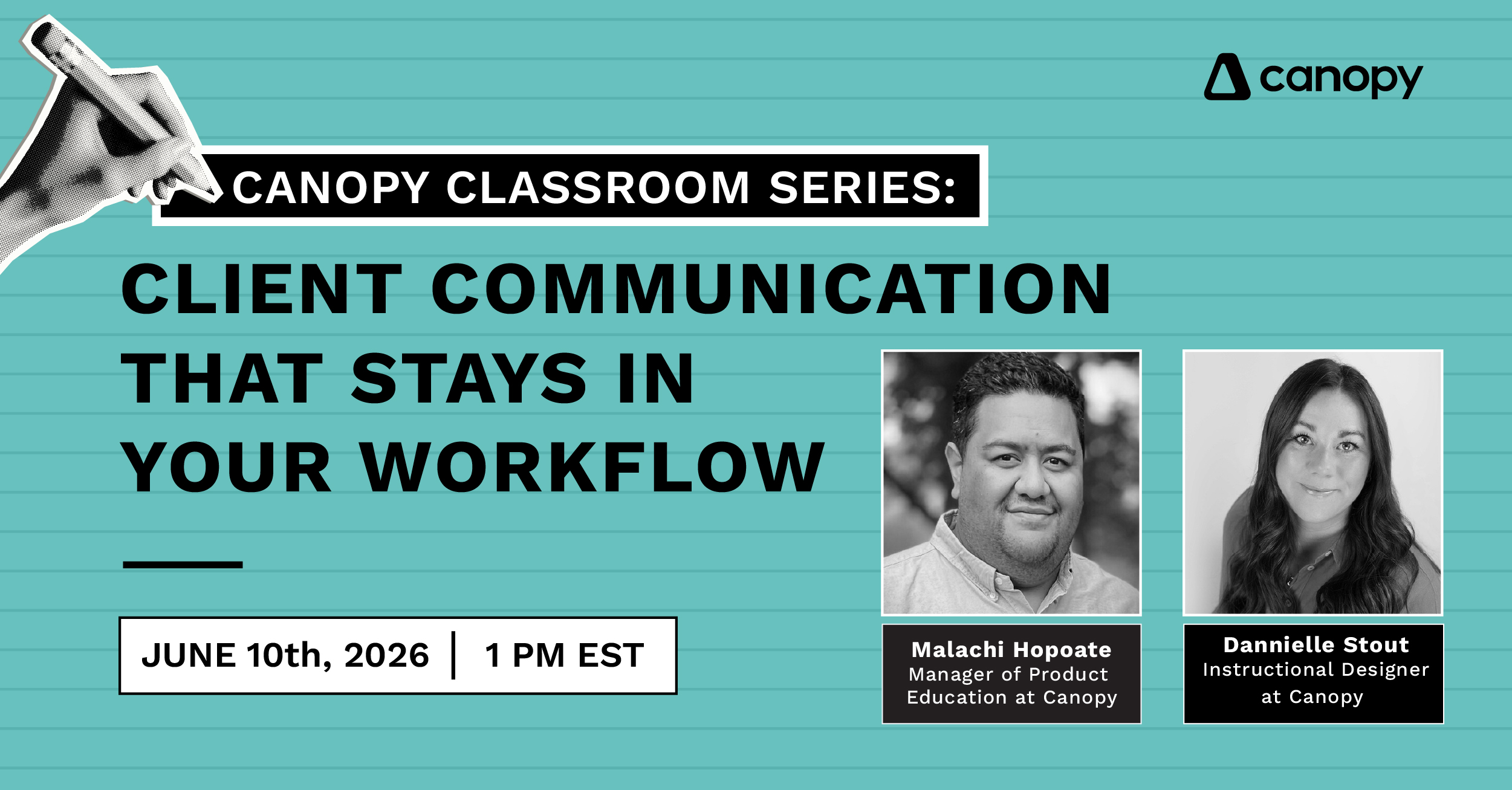
Watch the recorded workshop and view all the accompanying resources here in our community.
Stop switching tabs. Every client conversation, document request, and message your team has ever sent now lives right inside Canopy.
Client communication at many firms is everywhere at once: emails in one inbox, notes in another app, document requests buried in threads. This workshop shows you how Canopy fixes that. You will see how emails and Canopy Notetaker populate in the client record, get a hands-on look at Client Messaging (one of the most-requested features we have ever shipped), and walk away with a ready-to-use template bundle your whole firm can start using the same day.
By the end of this session, you’ll be able to:
- Sync your email and calendar and start using Canopy Notetaker so every client interaction is automatically logged in the client record.
- Use Client Messaging to send and receive messages directly inside Canopy; no more inbox switching.
- Know when to use Client Messaging vs. email, and why having both in one place changes your workflow.
- Build message templates your whole team can use so client communication stays consistent across your firm.
- Send secure document requests through Canopy and track which clients have responded without a single follow-up email.
In the meantime, want to check out our past Classroom Workshops? Check them all out here.
Ready to get started?
Your future self will thank you.