

Join the Customer Referral Program
Refer a Firm and Get Paid
Log in to submit your referral. See below for detailed instructions.
Your referrals, Your rewards
How to Make a Referral
-

Log in to the Canopy platform.
-
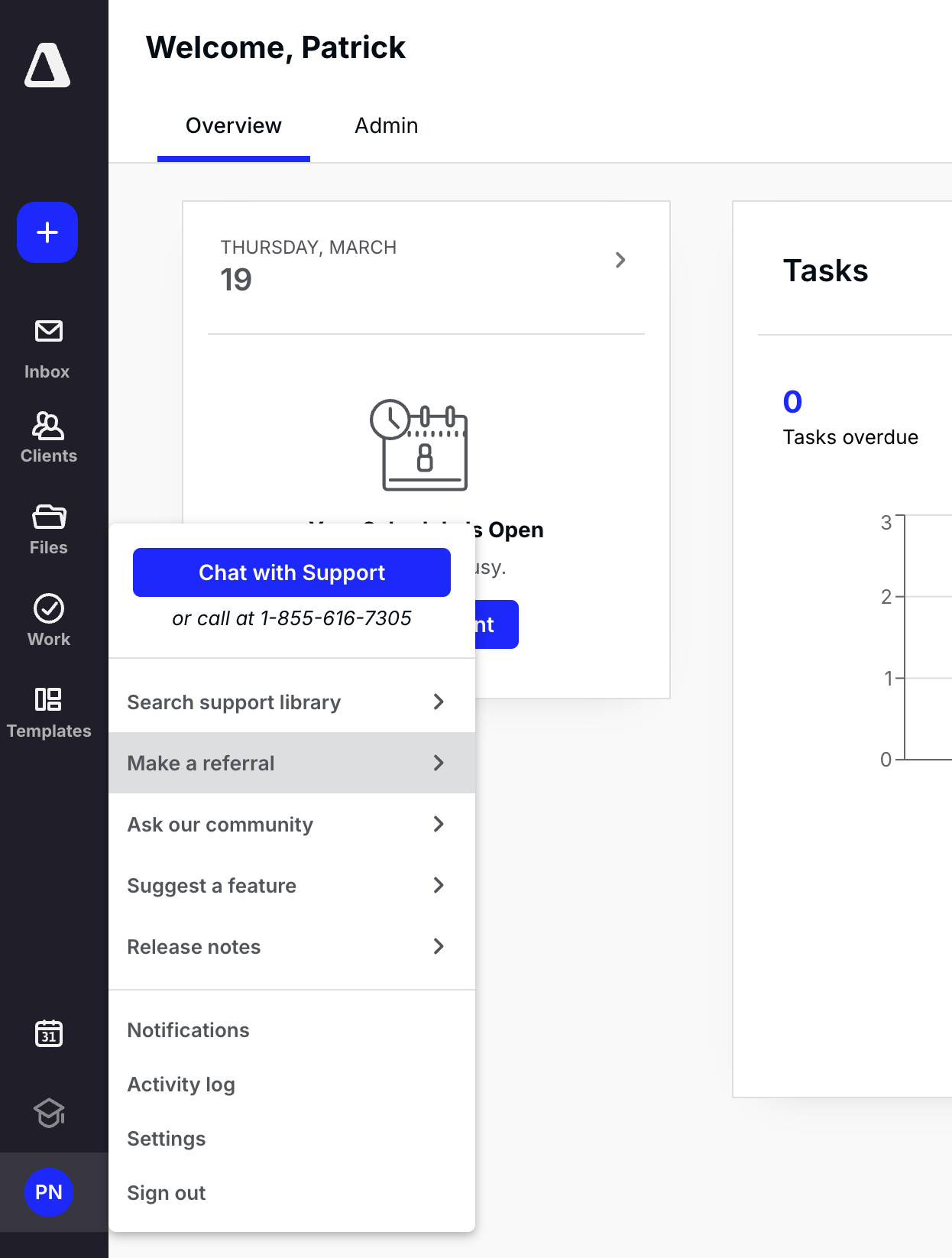
Navigate to your profile.
-
Choose Make a referral from the list of options.
-
A box will pop up with your newly created referral link.
-
You’re now part of the referral program!
-
Start sharing your personalized link with firms you know need Canopy.
Frequently Asked Questions
Can’t find the answer you are looking for? Reach out to our support team.
Referrals will be redirected to a form where they can sign up for a demo of Canopy. The form will automatically connect your referral to your rewards process. If the referral becomes a Canopy customer, a referral reward will be sent to you.