
DESKTOP ASSISTANT
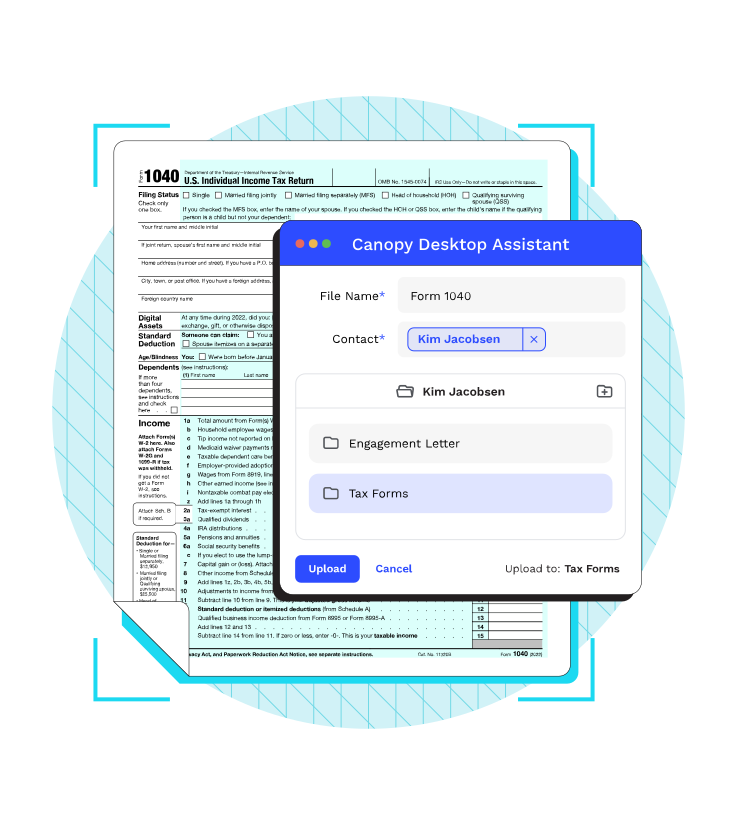
Streamline File Upload and Interaction
Bridging the gap between Canopy and the other programs you use.
-

Print/Scan to Canopy
-
Migrate files
-
Edit files in native programs
Easily Interact with your documents
Enjoy the flexibility to edit, annotate, merge your files, and much more.
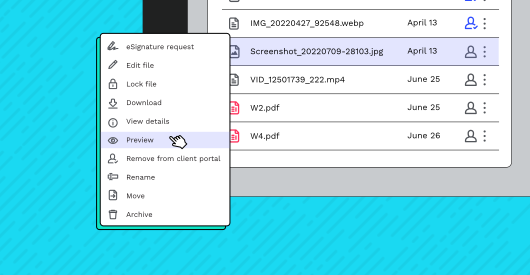
Preview
Canopy’s document management software lets you preview documents before you open them. No more countless windows and softwares slowing you and your computer down.
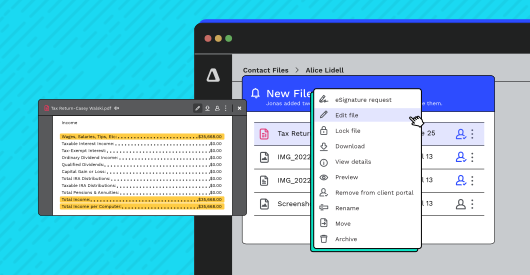
File Editing
Canopy’s Desktop Assistant lets you work on files using any program on your computer, while keeping everything synced in Canopy. No more manually downloading, uploading, or re-downloading files. Desktop Assistant handles it all.
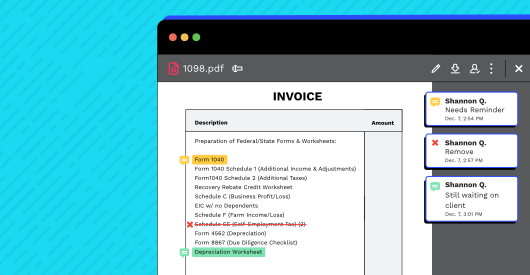
Make Annotations
Make annotations on documents and make them viewable only by internal Canopy users. All annotations are instantly saved as their own, separate layer, viewable only by approved users so your firm can see the notes, but your clients can’t.
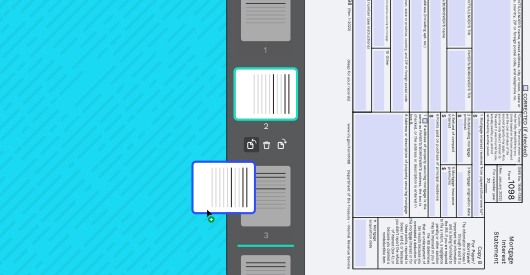
Reorder/Rotate/Edit/Delete
We’re not saying Adobe Acrobat is useless, but we are saying you can stay in Canopy when your clients upload scanned documents that need to be reordered, reoriented, or have unnecessary (or, worse, blank) pages. Canopy lets you move, rotate, edit, and delete to your heart’s content.
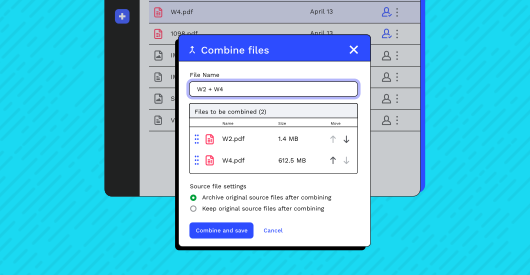
Combine Files
Really, no offense, Adobe Acrobat. But you don’t need Adobe to combine multiple files—PDF, PDF/A, XFDF, FDF, DOCX, XLSX, PPTX, JPG, PNG, or R2D2 (ok, not the last one)—all into one document that looks just like you want it to. And you can do it all in Canopy.
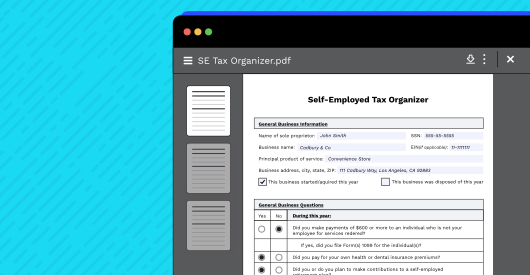
Fillable PDFs
Send your clients a fillable PDF that they can complete without ever leaving Canopy. Combined with our integrated eSignature functionality, this makes everything easier for your clients (and, thus, for you).
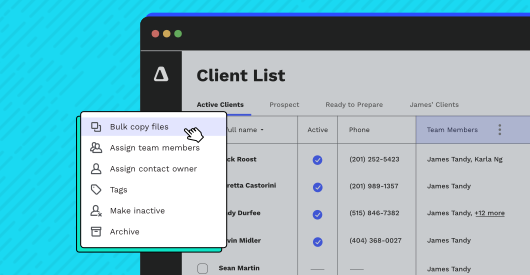
Copy Files in Bulk
Copy a file and save it to multiple client records simultaneously.