
QUICKBOOKS ONLINE & CANOPY
Eliminate Double Entry
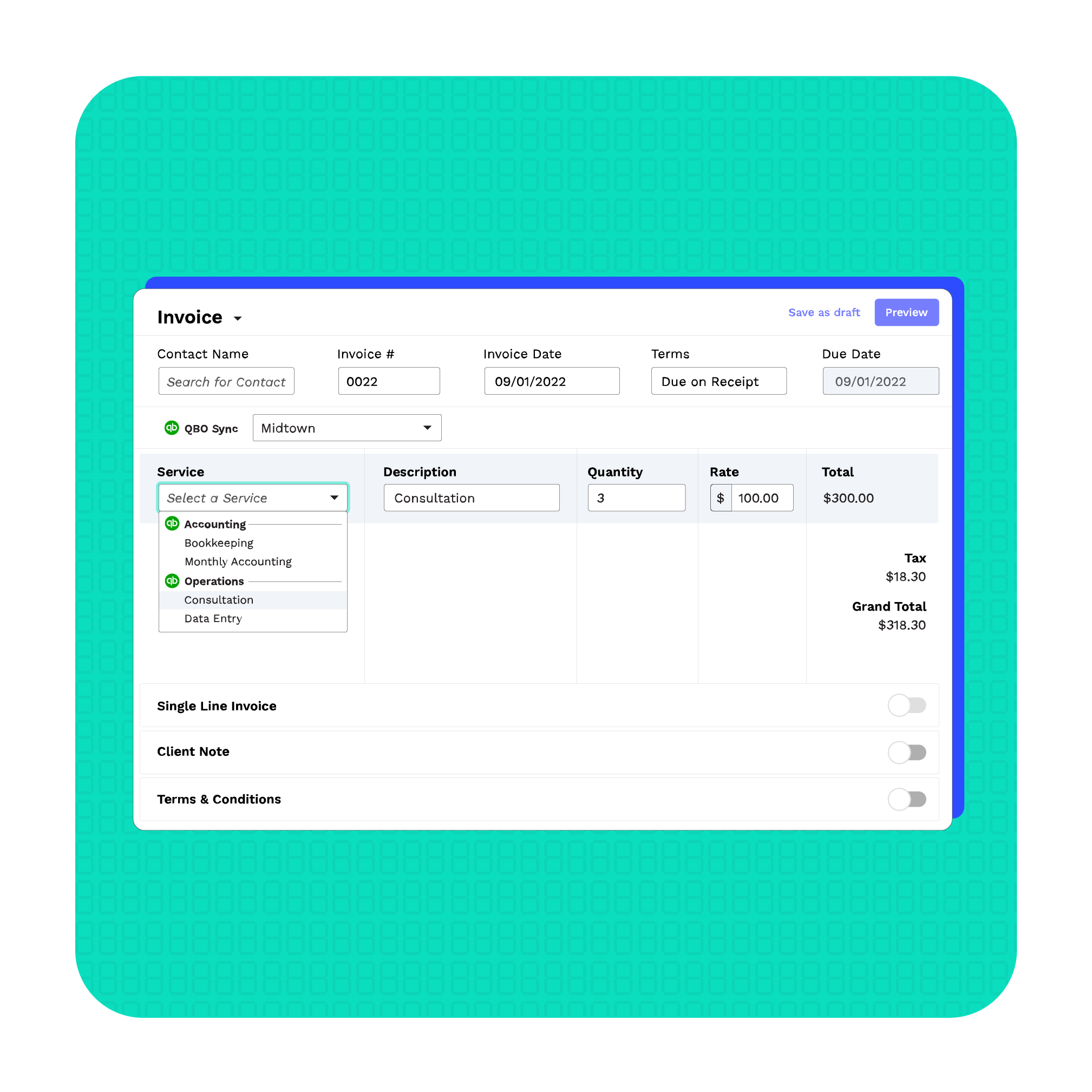
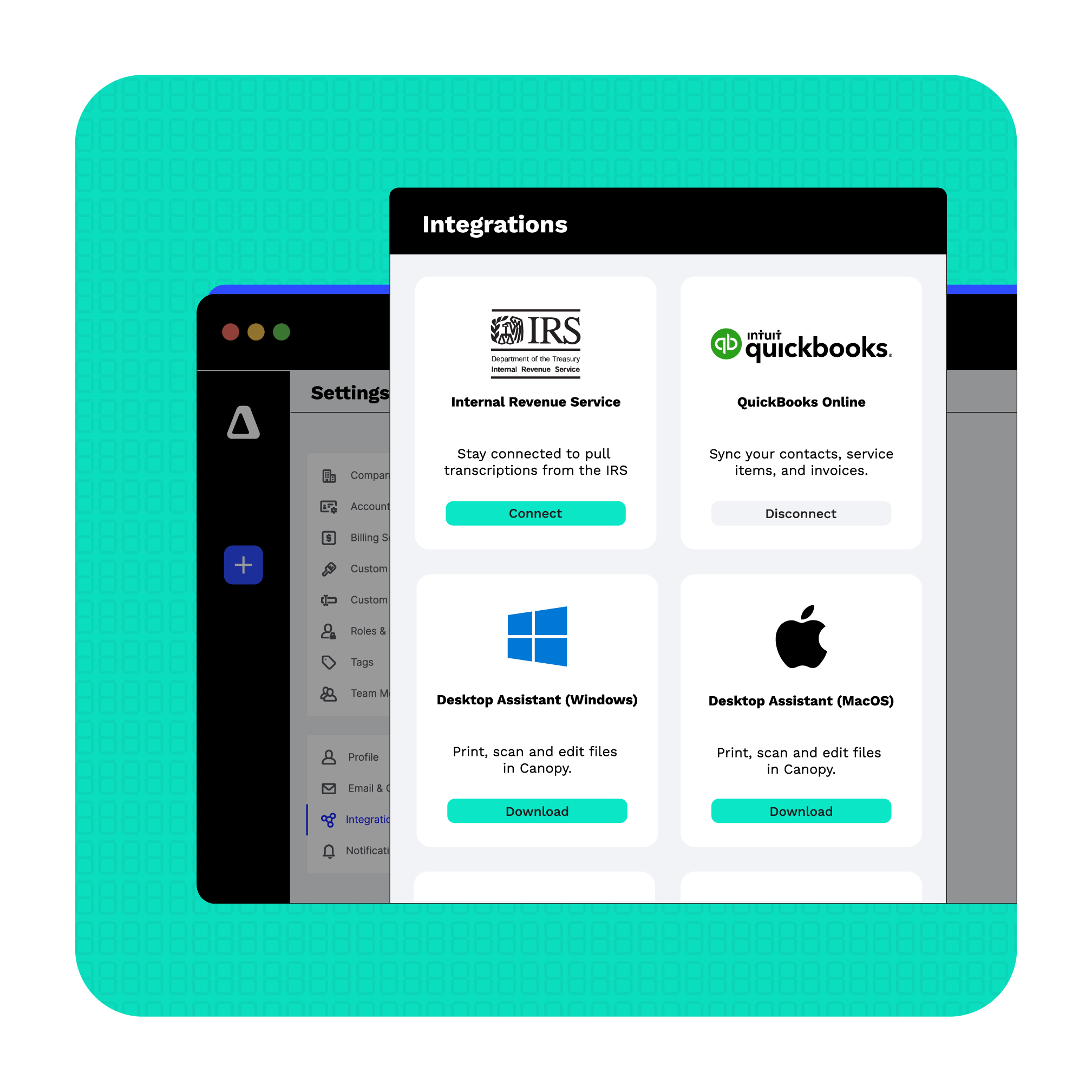
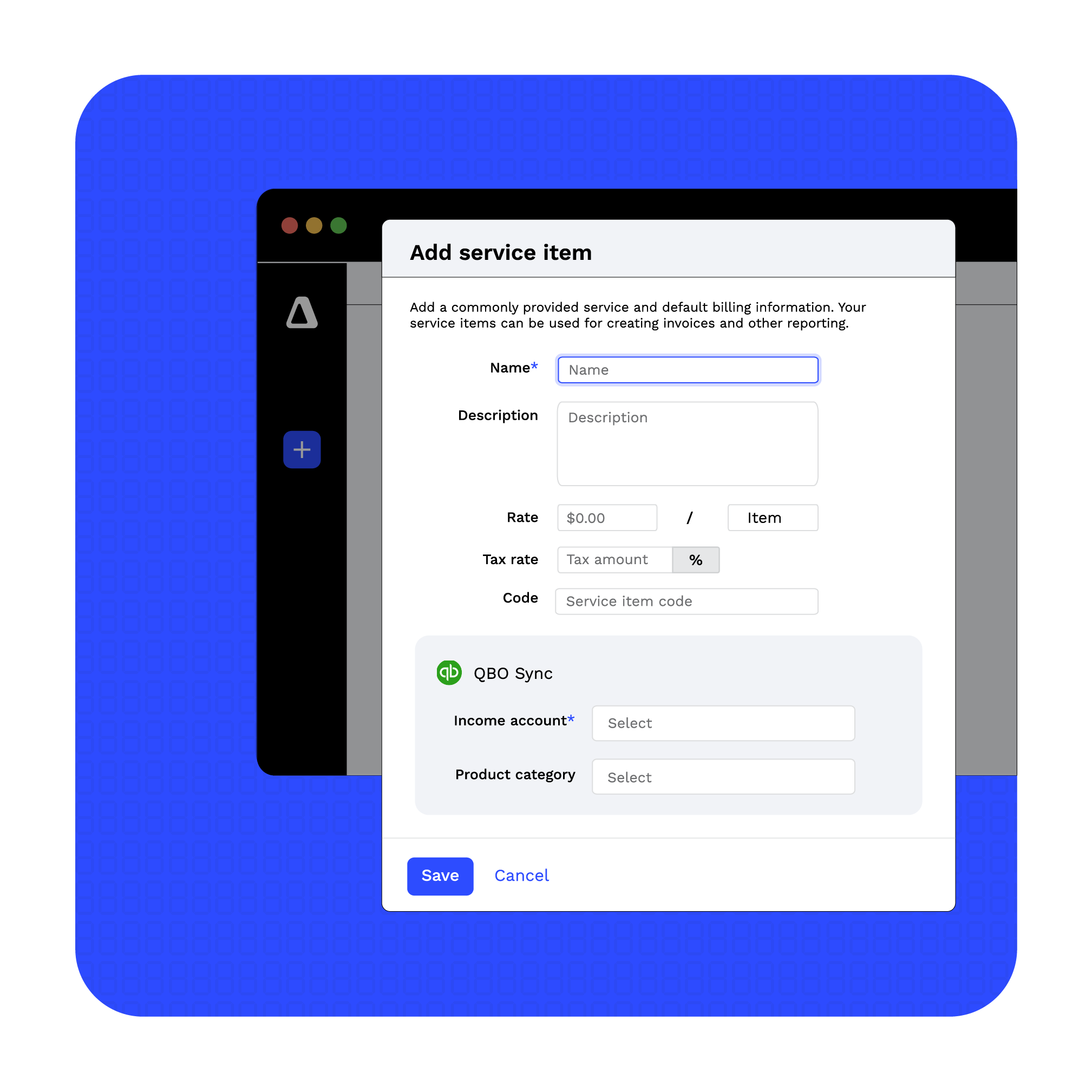
Canopy’s integration with QuickBooks Online makes it easy to keep your client and billing data in sync. Create new clients, organize by location or class, set up service items, and automatically sync invoices from Canopy to QuickBooks—no double entry needed.
QUICKBOOKS ONLINE & CANOPY
All Your Work in One Place
Keep your focus on your clients. Canopy handles client details and syncs it all to QuickBooks Online automatically. (No, sorry, we will not say “automagically.” A company must have principles.)
QUICKBOOKS ONLINE & CANOPY
Easily Organize Revenue
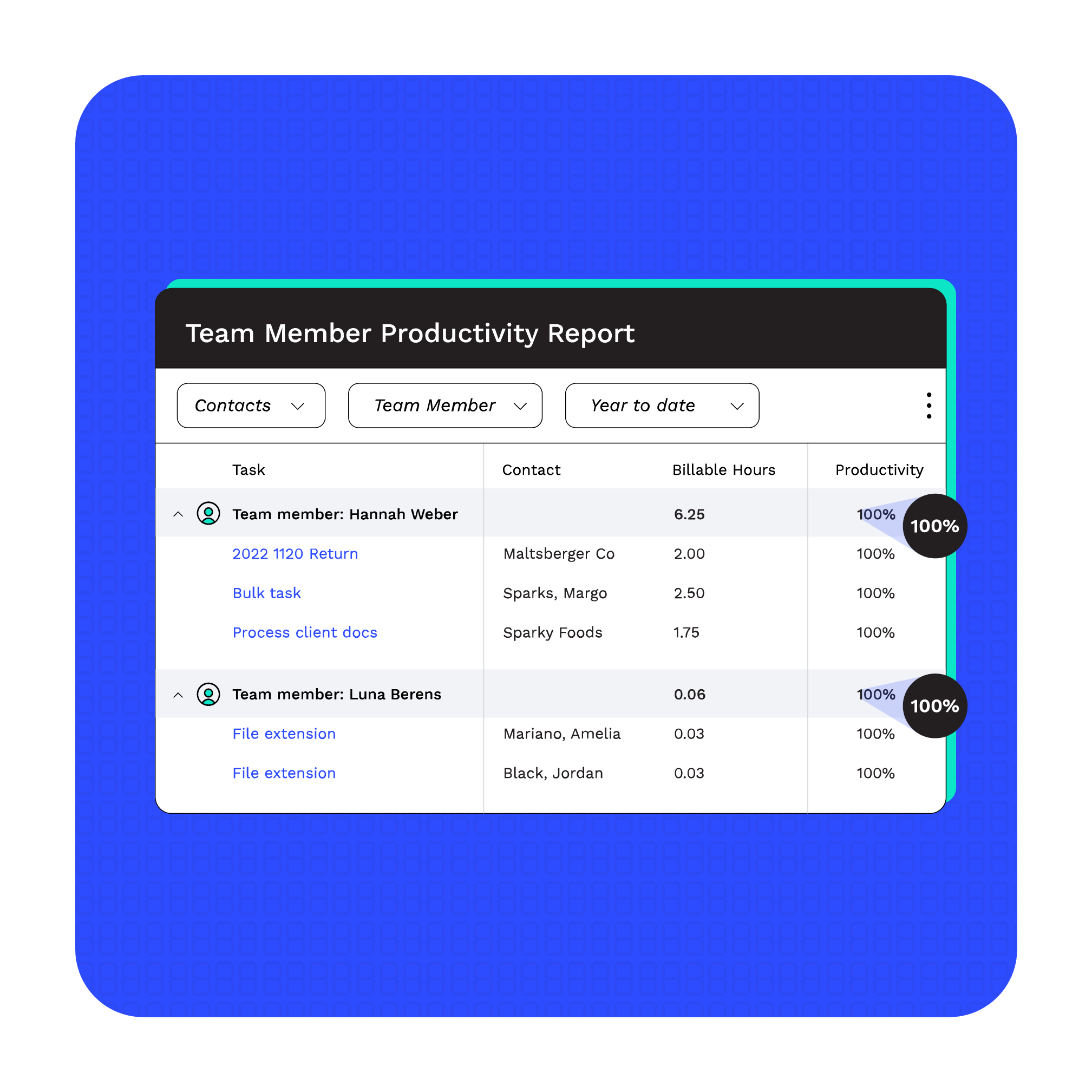
Answer questions like “who’s my most profitable employee?” and “what type of service is each employee best at?” and “how are each of my offices performing?” by categorizing payments in Canopy via QuickBooks Online’s Classes, Categories, and Locations.
QUICKBOOKS ONLINE & CANOPY
Simplify Bank Reconciliation
By categorizing invoices and service items as you build, send, and process them in Canopy, you’ll save hours of time at the end of the month.