
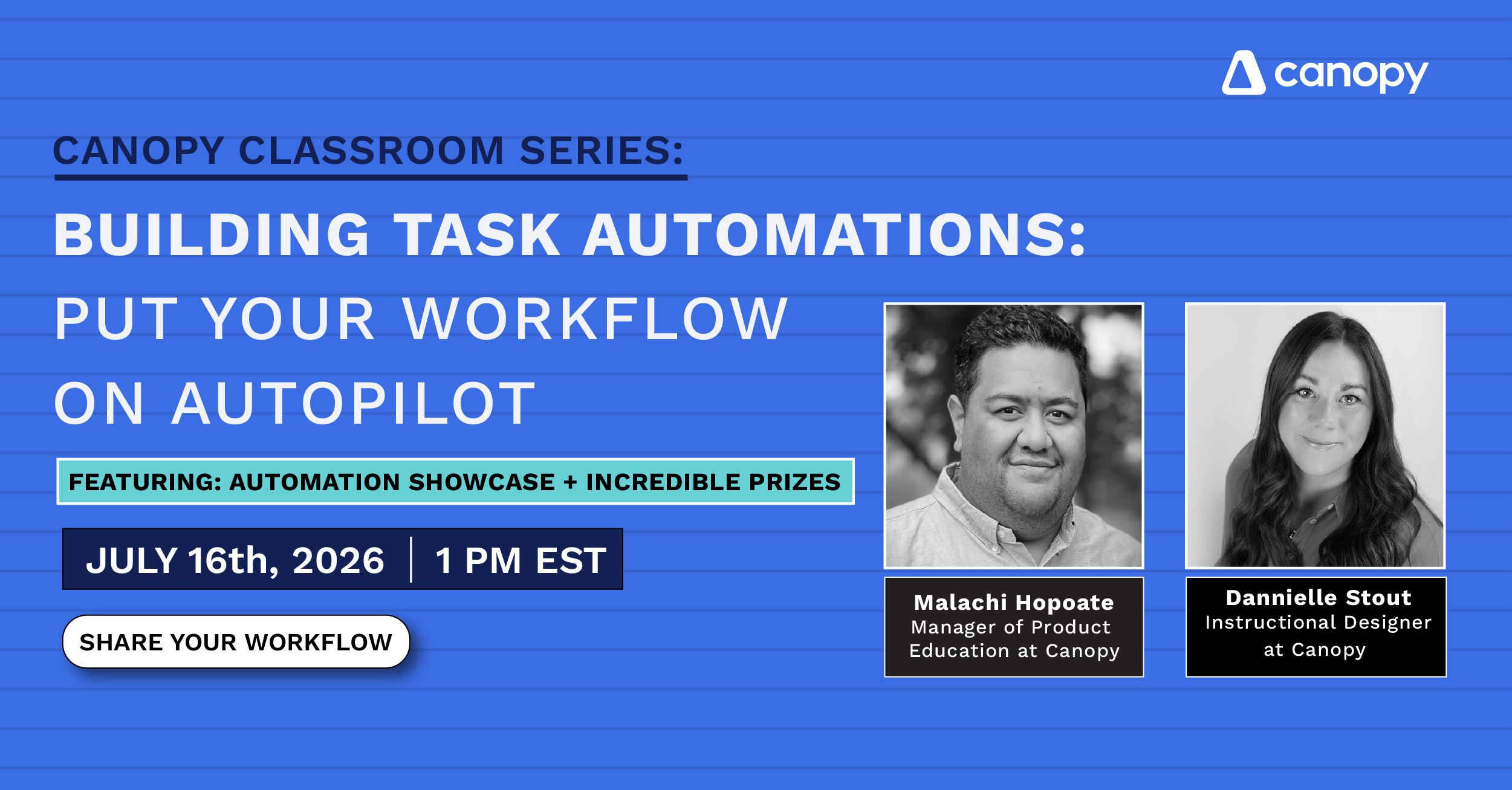
Canopy Classroom: Building Task Automations – Put Your Workflow on Autopilot

Brought to you by the community. Built for your firm.
Watch the recorded workshop and view all the accompanying resources here in our community. This one is different.
We asked the Canopy community to share the task automations they rely on most. The ones that replaced a manual step, freed up their time, and made their firms run a little smoother. The community voted, and on July 16, the top submissions get built live, right in front of you.
But this isn’t just a showcase. It’s a deep dive into building automations that actually work.
We start with the fundamentals: what automation is, how the trigger-and-action framework works, and how it’s different from a task template. Then we build. Step by step, inside Canopy, using real submissions from your peers as examples. By the end of the hour, you’ll understand the logic well enough to design your own automations from scratch.
Every submission from the Automation Showcase, featured or not, gets compiled into a free resource library shared with all attendees after the event. You’ll walk away with more than just what we build in the room.
By the end of this session, you’ll be able to:
- Explain how task automations work in Canopy, including the difference between a trigger, a condition, and an action.
- Identify at least two places in your current workflow where an automation could replace a manual step.
- Build a task automation from scratch inside Canopy, using real community submissions as your guide.
- Apply the trigger-and-action framework to design your own custom automations going forward.
- Access the full Automation Showcase library and adapt top submissions from other firms for your own use.
Ready to get started?
Your future self will thank you.