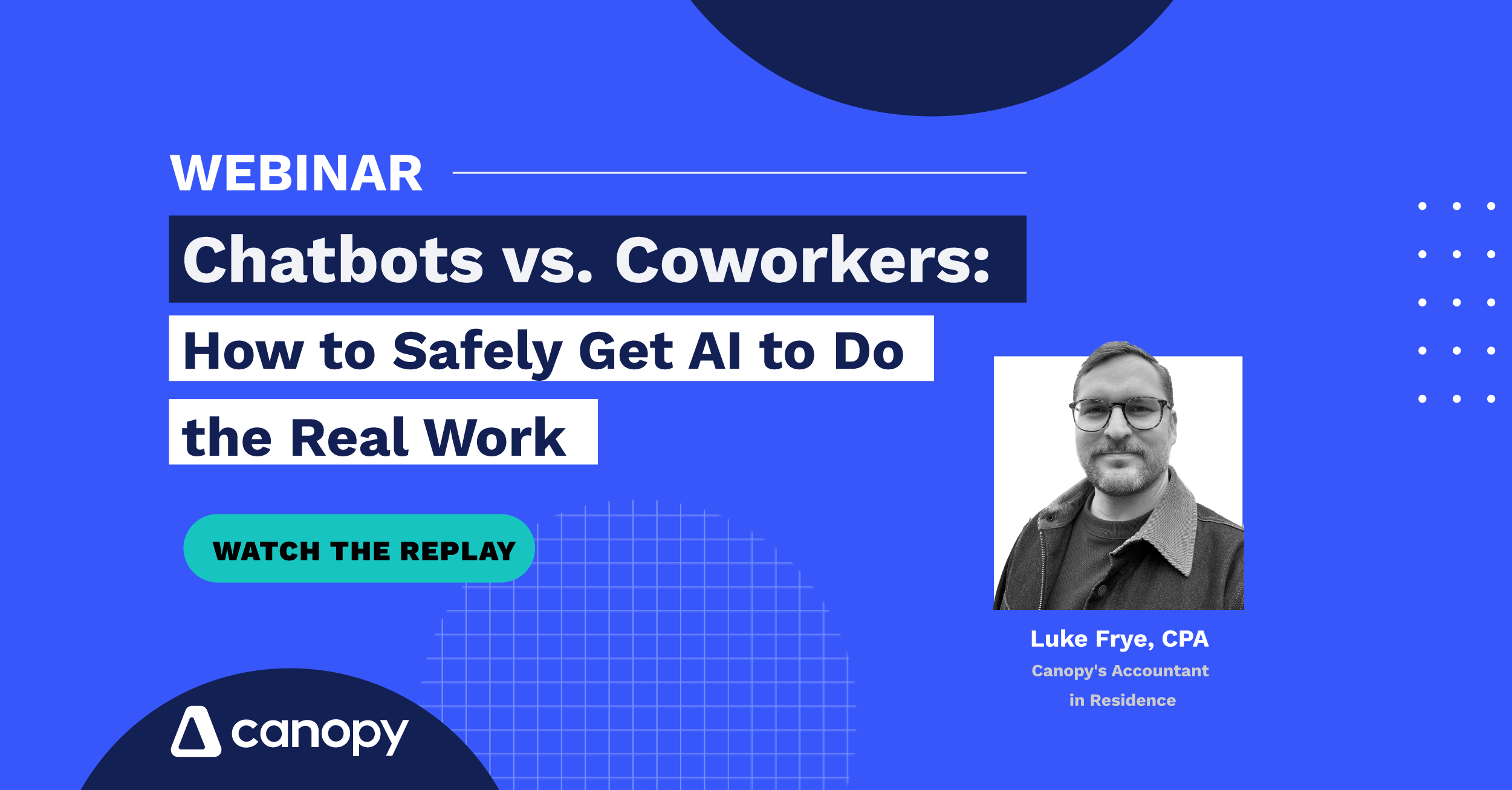
Why general chatbots hit a context wall, and how platform-native AI is transforming daily practice management
Ready to elevate your firm’s operational capacity without compromising security? Join Canopy’s Accountant in Residence, Luke Frye, CPA, for a deep dive into the practical application of secure AI inside modern accounting firms.
Instead of forcing your staff to manually copy and paste client data into disconnected browser tabs, discover how a platform-native system transforms daily practice management.
The centerpiece of the session is a live, unfiltered demo of Canopy Coworker in action. You’ll see exactly how Coworker safely interprets ambiguous client emails, cross-references files, and routes task updates across your existing modules in real time.
True efficiency isn’t about handing the keys over to an autonomous engine. We will highlight the “human-in-the-loop” review queue framework that ensures you retain absolute control over every AI-generated output before it ever touches a client.
What you’ll learn:
Exactly where and how Canopy embeds AI across its entire software suite to automate document extraction, billing, and CRM management
Why general-purpose AI models hit a context wall with firm data, and how native execution fixes the gap safely
How to leverage human-in-the-loop review queues so your team can deploy AI automation with zero accuracy anxiety
Bonus Q&A
Here are the answers to a few of the questions we didn't get to during the live webinar
Both. Your Canopy admin controls who at the firm gets access to Coworker. Once access is granted, individual users can configure their own trust settings — determining which actions Coworker can take automatically versus which ones require their approval before running. Admins can also set firm-wide guardrails that override individual settings.
Yes, that’s exactly what Coworker is built for. You can ask multi-part questions about a client in plain language and get a consolidated answer pulling from across the client’s record in Canopy, including engagements, tasks, documents, and history.
Yes. Coworker can surface firm-level reporting and give you information you can act on—including time write-offs, client statuses, and other practice-wide data that lives in Canopy.
Yes. You can upload a spreadsheet and ask Coworker to create or update client records from it. It will handle the data entry and, depending on your trust settings, either do it automatically or ask for your approval first.
Yes. Coworker can automate client communications using Canopy’s messaging, email, and client request features. It can notify clients when key milestones are reached. On top of that, Smart Delivery is now available in Canopy, which will automate the delivery of a completed return to the client—including notifications, emails, and messages when it’s ready for e-signature and payment.
Canopy takes a “walled garden” approach to AI: Coworker runs entirely inside Canopy’s own AWS infrastructure. Client data is not routed through third-party AI providers and is not used to train any foundational model. All processing happens within your tenant, with tenant isolation enforced throughout.
That said, §7216 (IRS rules on disclosure of tax return information) and GLBA (Gramm-Leach-Bliley Act financial data privacy) carry firm-specific compliance obligations that go beyond infrastructure architecture. We are actively working toward formal compliance documentation as we approach GA, and we’re not making specific regulatory compliance claims during the closed beta period. We recommend flagging this question to your Customer Success Manager or Tyler Urrutia (PM, Coworker) so we can provide you with the most accurate and current compliance documentation for your firm’s situation.
Coworker is designed to enhance your existing Canopy workflows, not replace them. Practically, Coworker can help you create organizers, build out document checklists, send them to clients, check on their status, and send automated reminders—all from a simple prompt. Think of Coworker as the assistant that helps you run the organizer and intake workflow faster, not a parallel system you have to manage separately.