
Account for Time Spent on Clients
Bill confidently, track accurately. Canopy lets you see the full picture of how time is being spent and know what each client really cost you.
Built-in Timers
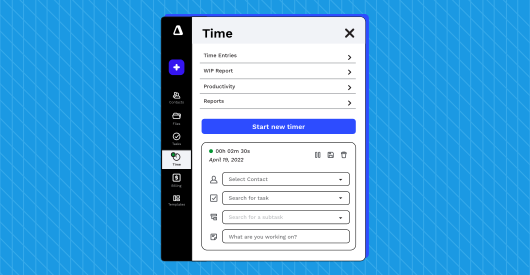
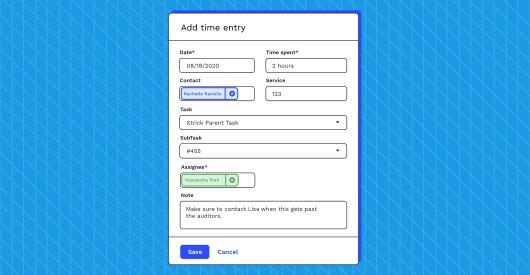
The clock never stops ticking for accountants. Canopy has built-in timers that make it easy to track time by client and project. We hate double entry as much as you do, so we make sure it all connects easily to the Clients and Workflow that you already have in Canopy (requires both a Time and Billing and Workflow license). And, because everyone’s human, we make sure you can easily add time manually too, if and when you forget to start the timer.
Time Entries
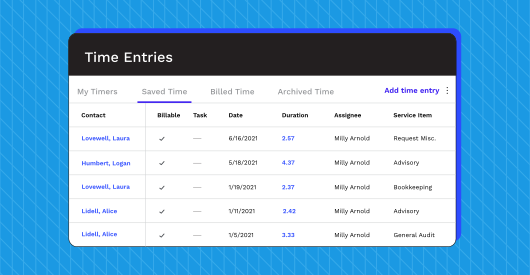
So many kinds of time. Time saved to a client. Billable. Non-billable. Billed time with a link to an invoice. Archived time. Your time. Your clients’ time. Hammer time. Fortunately, Canopy can help you see it all (OK, maybe not Hammer time) clearly and easily.
And not only can you record and manage time entries, you can also save time by multi-selecting a group of time entries and changing all of those time entries to a single client or switching all of those time entries to a specific service item.
Time Spent on Tasks and Subtasks
Already using Canopy Workflow? Well, then it’s easy to track time—whether it’s at a task or a subtask level—and flow it through to our Time and Billing accounting software.
Time Budgets on Tasks and Subtasks
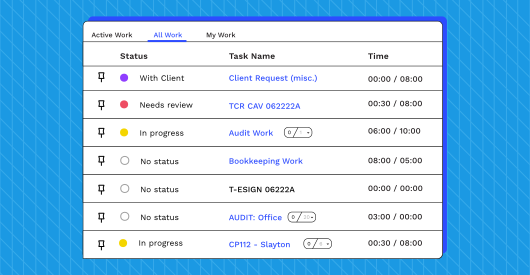
Accountants account for time just as much as (or more than) they do money, which is why Canopy makes sure you can create time budgets for tasks and subtasks, and why our Workflow and Time and Billing work together seamlessly.
Streamline Expense Tracking
Seamlessly track every expense devoted to client projects.
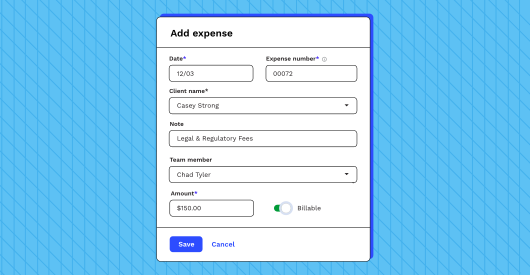
Expense Entries
We have you covered when it comes to expenses related to the work you perform for your clients. Record, manage, and attach client-related expenses to invoices.
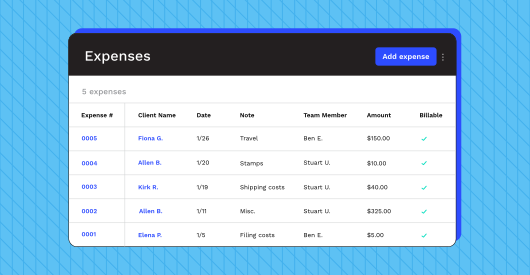
Expense Table
Utilize the expense table for a high-level view of all of the expenses that you’ve entered. From there, you can filter, edit, add, or remove expenses.
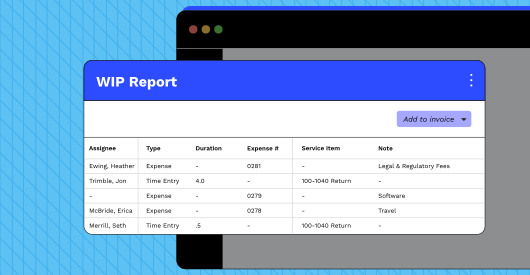
Expense Reporting
Expenses can also be found in the WIP and Productivity reports. Similar to time entries, expenses will appear on the WIP report until they are included on or associated with an invoice to clear them.