
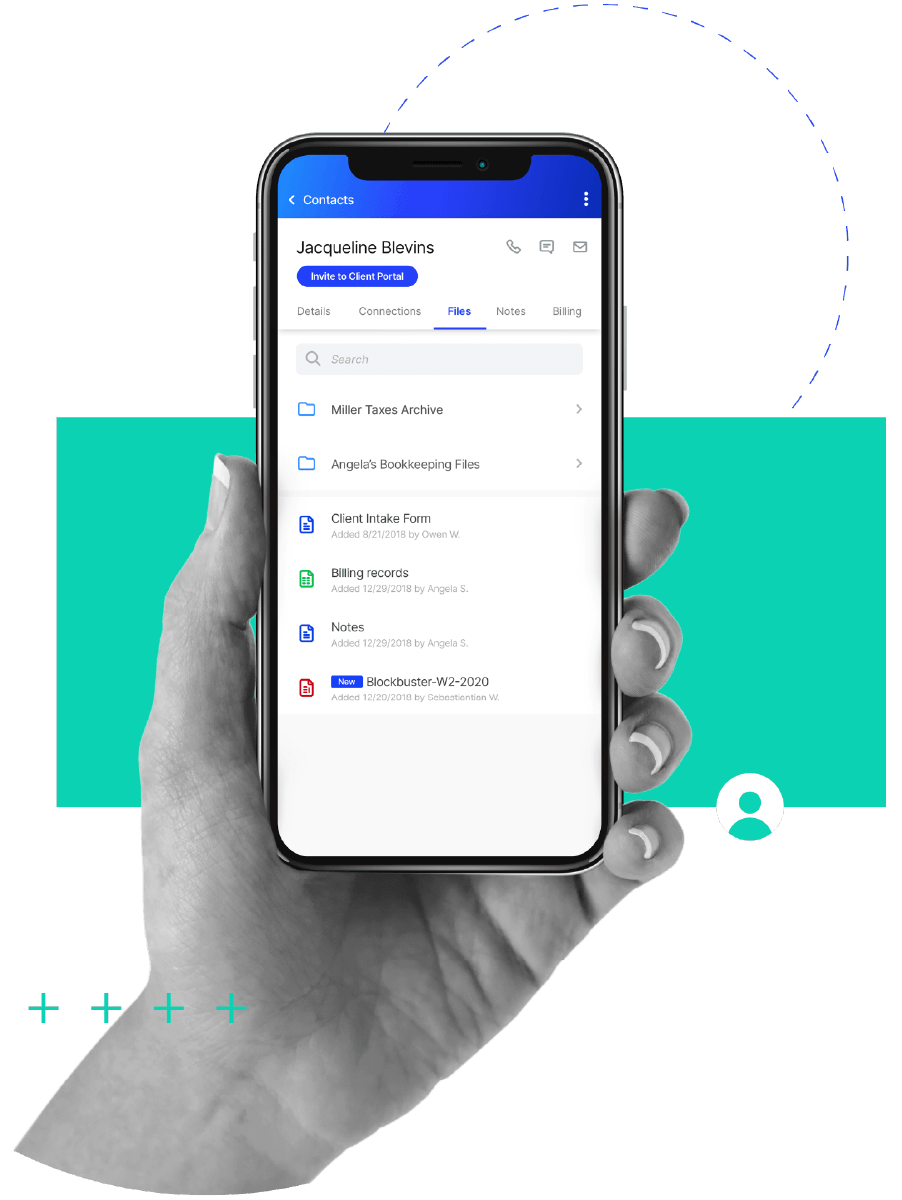
AI-EASE-IFIED ACCOUNTING DOCUMENT MANAGEMENT SOFTWARE
Document Management
Wasting time and energy on wrangling document sprawl? Stop it.
-
 Rename and reclassify documents automatically to match your firm’s naming conventions
-
Build document request lists using client profiles or last year’s return
-
Auto-match uploads to checklist items
-
Pre-fill client forms using data from scanned documents and stored information
“Only regret I have with Canopy is not making the move sooner. I love the different features available with Canopy, and look forward to their new features that are released regularly. The file management system has really helped our practice to achieve the paperless environment we want, and our clients love the mobile app capabilities.”Jared E., Managing Partner
If managing, storing, and accessing documents is a pain, you’re doing it wrong.
Canopy helps you do it right (and more easily & automated-ly).

Get Documents Organized
And go paperless. And save space. And spare yourself headaches. And keep your (and your team’s) sanity.

Work and Collaborate Efficiently
Easily collect and share documents in a single place. Then gather, process, and search information and files seamlessly.

Secure Document Storage
Canopy and the Client Portal provide security for documents no matter where they are or how they’re being shared. No more worrying about emailing or texting files.
SECURE FILE SHARING & ACCESS
Easily Share and Manage Documents
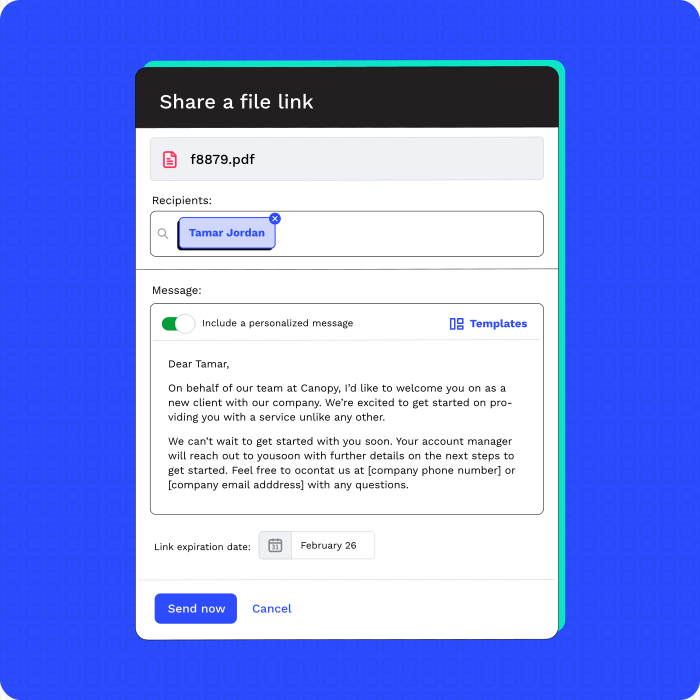
The Client Portal or secure links both help you to securely and easily share files with clients and stakeholders.
-
Share files through Client Portal or secure links
-
Manage folder permissions
-
Create and apply retention rules
ESIGNATURE SOFTWARE
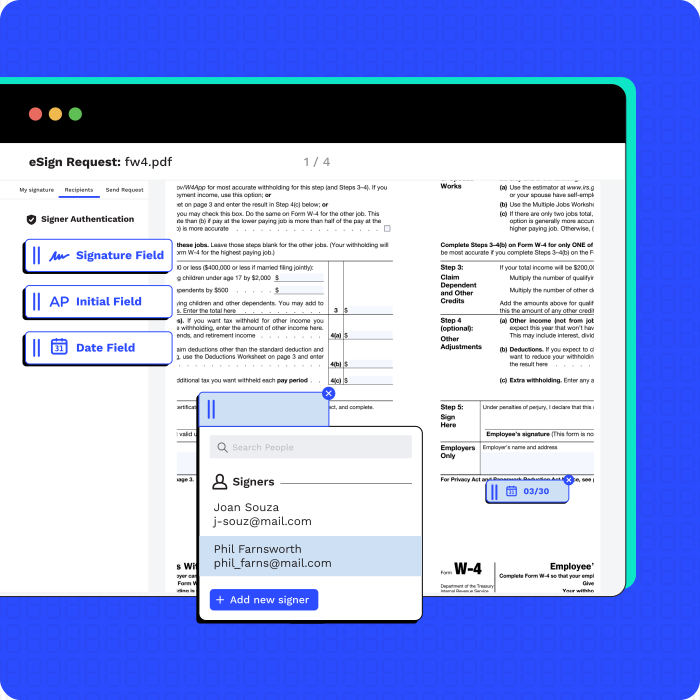
Quickly Collect and Manage eSignatures
Conveniently finish the last step in between your work and getting paid. Finalize work with electronic signatures.
-
Enjoy unlimited eSignatures
-
Utilize eSignature templates
-
Add KBA for added verification
-
Auto-place signature fields with AI

“Canopy really consolidated our internal file storage, the client-facing document system, and eliminated a separate software for document management.”
“What I love most about Canopy is the ease of use and how quick it is to communicate back and forth with our tax agent. She can easily upload a file that I need to review or sign.”
“We love Canopy. The best thing is getting everything in one place, not having document management somewhere and the CRM somewhere else.”

“Our team can now find what they need instantly. It saves hours every week.”
SECURE DOCUMENT STORAGE & ORGANIZATION
Securely Manage Client (and Internal) Documents
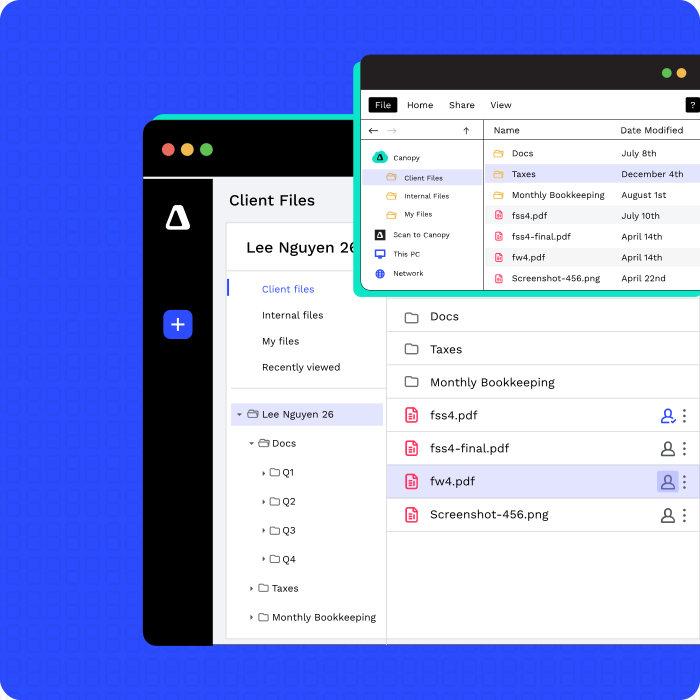
Store and organize an unlimited number of documents securely in the cloud—for client, internal, or personal docs.
-
Centrally store and manage files
-
Use Client Portal or secure links to upload files
-
Leverage Canopy’s Virtual Drive and Desktop Assistant
-
Set up folder templates
-
Automatically rename files & classify by type or issuer, with global rules
DOCUMENT INTERACTION
Intuitive Document Management
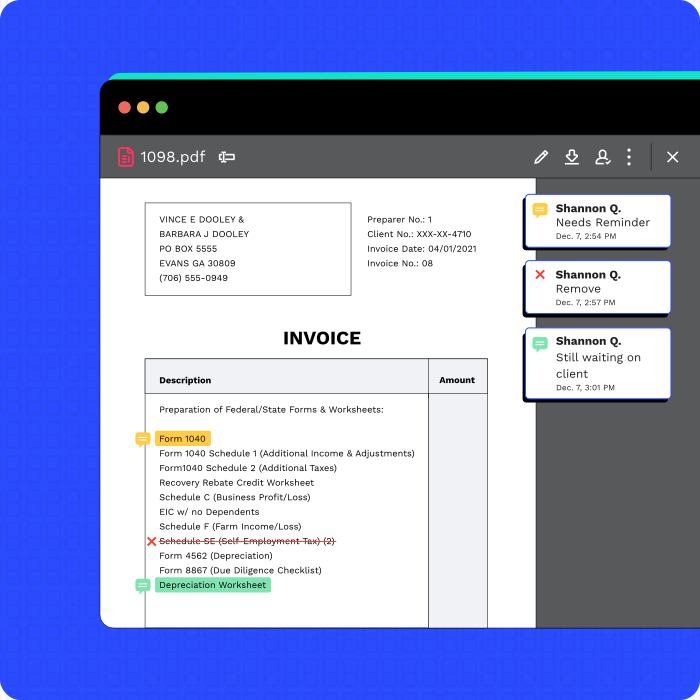
Once in Canopy, we make it easy to interact with client or internal documents.
-
Edit, reorder, rotate, or delete files
-
Create annotations
-
Combine files
As an accountant, you rely on having correct documentation in order to do the work you’re asked to do. It’s important that you easily get what you need when you need it. Add to those documents any work papers a firm might have and you’ve got a great case for unlimited document storage (because document sprawl is real). It only makes sense that you’d want to store those documents alongside each other, but not risk sharing the wrong document with a client. Easily control and revoke client portal access to specific documents. Collect eSignatures. Make annotations. All of this in a system that helps you manage “the chase.” And just in case your clients are averse to client portals, you can send them secure links to access, share, or sign a document.
-
Unlimited secure storage
-
Smart folders linked to client records
-
Version control and internal-only file flags
-
Client-specific document permissions
-
Secure links for portal-averse clients
-
Built-in annotations and eSignature support
“Canopy has allowed us to centralize both our client relationships and documents, so everyone at the firm has access to the same information. It's also made working remotely much easier.”Sam Motes, Tax Manager
“Canopy is worth every penny. I love that everything is all in one place. Document storage, document sharing with clients, timer, invoicing, reports, task management, procedures (we use sub-tasks to lay out the steps in a task with notes on how to do each step), transcripts etc.”Jessie B.
Ready to get started?
Frequently Asked Questions
Can’t find the answer you are looking for? Reach out to our support team.
Think unlimited storage, templatizable folder structures, built-in eSignatures, and full control over who sees what. You can even send secure links to clients who hate portals.