
What’s new:
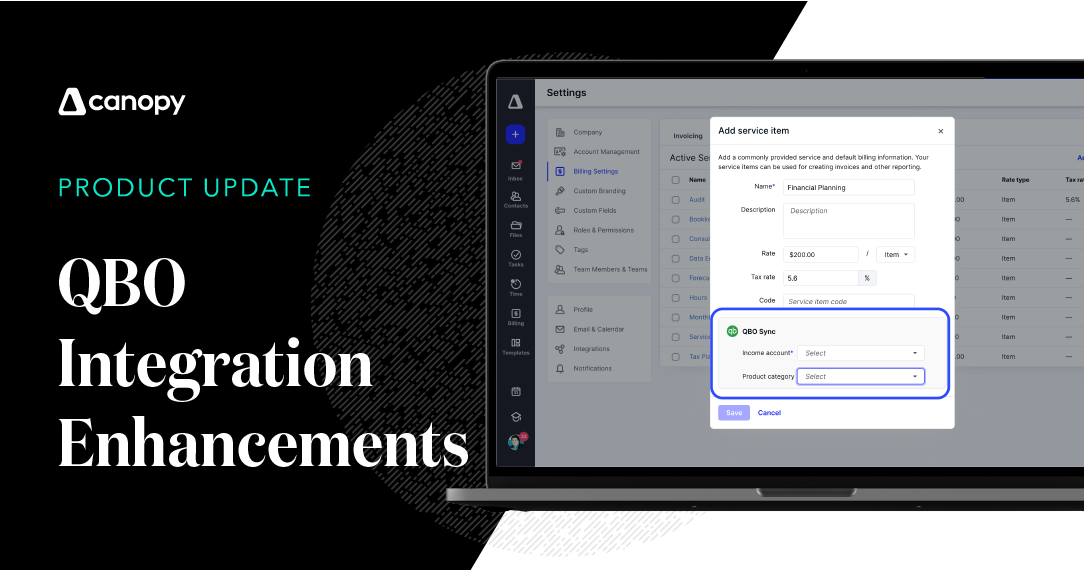
Canopy’s integration with QuickBooks Online (QBO) just got better—now customers can select which types of customers they’d like to sync with Canopy.
How it works:
Select QuickBooks Online from the Integrations menu under Settings, and follow the directions to connect QBO to Canopy. You will be given the option to sync all contacts, active contacts, or inactive contacts. Canopy shows you how many matched, unmatched, and duplicate contacts there were during your sync; should you have duplicates and unmatched contacts we link to our help article from right inside Canopy to make resolution even simpler.
Why it matters:
Keeping your Canopy and QBO systems integrated is important, but we get that you may not always want everything to be integrated. Now you can control exactly what syncs and what doesn’t.
Where to find it:
Canopy’s integration with QBO works with many parts of the Canopy Practice Management suite, however only our Client Management module is required to sync contacts as we’ve discussed here.