
AI adoption at accounting firms just hit an all-time high. But “adoption” can mean different things at different firms—and even among colleagues at the same firm—as AI tools proliferate and rapidly evolve in the marketplace.
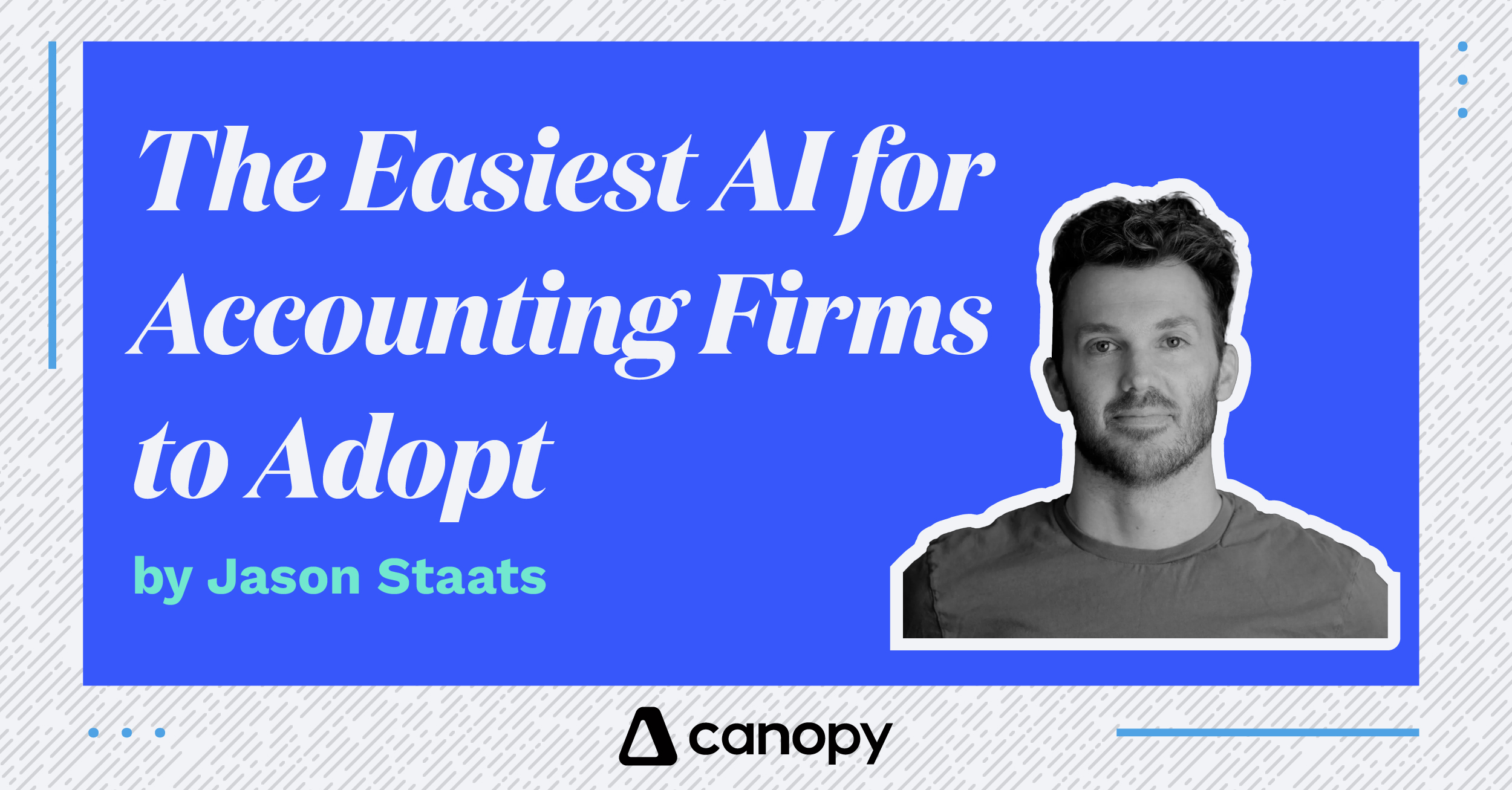
In this video, Jason Staats tries out Canopy Coworker, a first-of-its-kind AI assistant built directly into your accounting practice management system. He walks through the use cases that would’ve saved him real headaches when he was running his own 40-person firm.
Unlike generalist AI tools like Claude, ChatGPT, Gemini, Copilot, and Perplexity, Coworker lives within the secure walls of Canopy. It already knows your engagements, tasks, time entries, billing, files, CRM, email, and calendar, which gives it the ability to act on your behalf rather than simply take orders.
Here are six reasons it might be the easiest AI you put in front of your team.
1. No New Login, No New Habit to Build
Coworker lives inside Canopy, so there’s nothing new to install, remember, or explain to your team. If someone already knows how to use Canopy, they already know where to find their AI assistant.
2. It Already Knows Your Firm, So There’s Nothing to Set Up
Coworker pulls straight from the engagements, tasks, time entries, files, CRM, email, and calendar you’re already using. There’s no data migration, no “connect your systems” step, and no blank slate to fill in. Point it at a client, and it already has the context to build a pre-call brief, flag scope creep, or draft a tax document checklist, with no configuration required.
3. You Build Automations by Describing Them, Not Coding Them
Want a new automated workflow? Just describe it in plain English. Coworker asks a few clarifying questions, builds the plan, and turns it into a job that runs on its own. No developer, no IT ticket, and no workflow-builder tutorial standing between your idea and it actually running.
4. You Control the Pace of Trust
Adoption doesn’t have to be all-or-nothing. Coworker’s trust settings let you start with everything requiring your review, then you can hand over more autonomy when you’re ready. Your firm can ease into it instead of flipping a switch.
5. It Meets Your Team Halfway
Coworker doesn’t wait for someone to know the right prompt. It pushes recommendations on its own, based on what it sees happening in your firm. That means even the AI-skeptical members of your team can get value without first learning how to “use AI.”
6. You Can See Who’s Actually Adopting It
The performance view shows who’s using Coworker, what they’re using it for, and how they’re responding to its recommendations. Instead of hoping adoption happens, you can watch it happening and see exactly who needs a nudge.
In a Nutshell
General-use AI tools also have their place in modern accounting firms. But if you’re looking for AI that’s easy to adopt and offers an immediate, measurable impact, take it from someone who knows:
“[Canopy Coworker] feels like a very easy, today-ready way to step your team into using an AI assistant where they already work.”
—Jason Staats | Founder of Realize, a $400M accounting firm alliance