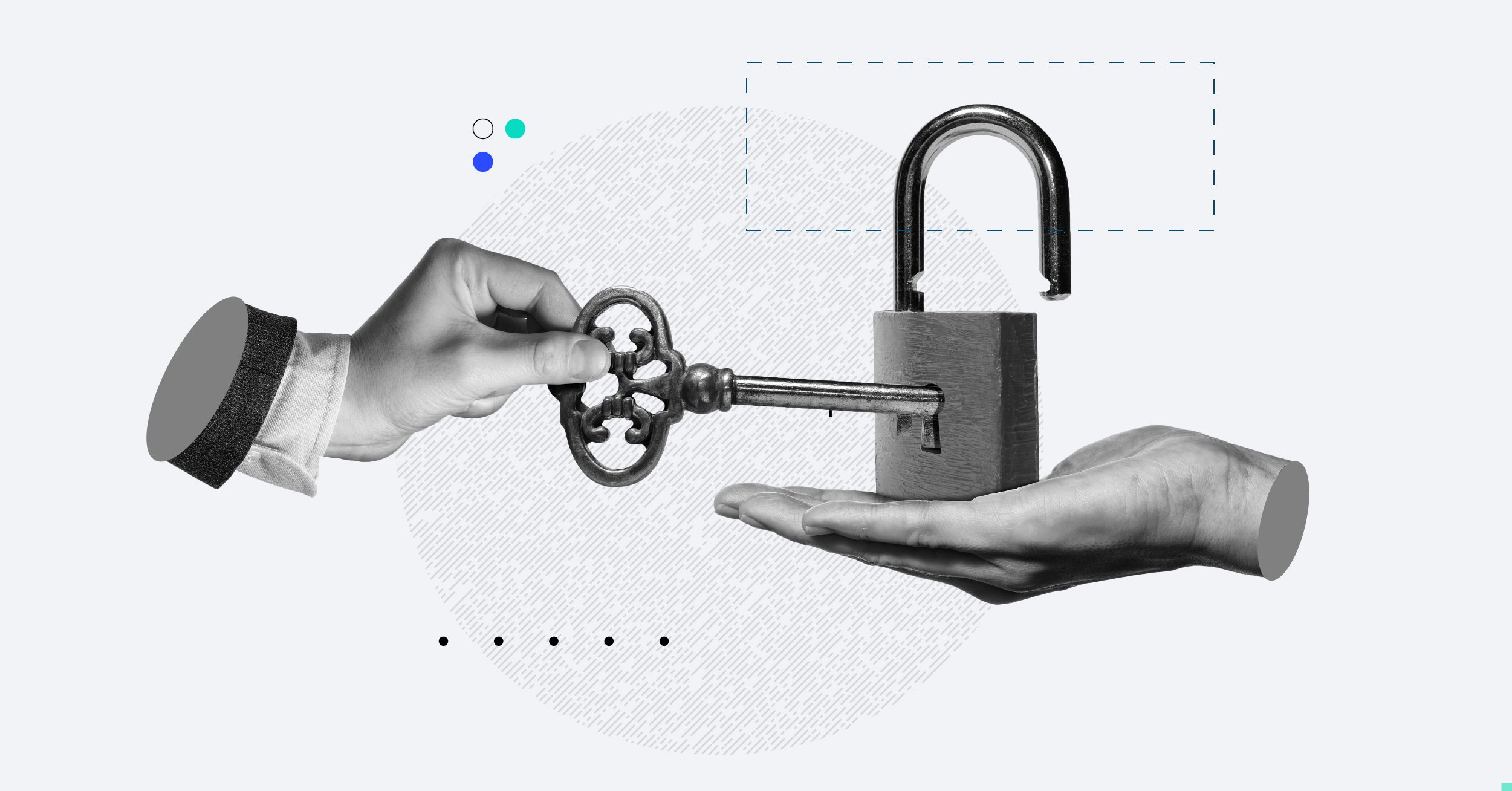

Canopy added an extra and important layer of iOS and Android mobile security to protect you and your on-the-go clients’ data. It’s called multi-factor authentication (also known as MFA). It’s a secret decoder ring of sorts and unlocks the door that guards the treasure.
Why it matters:
With today’s sophisticated hackers (treasure hunters), a single password isn’t enough to protect your firm and client data. In order to log in securely, you and your clients can now add a second layer of authentication.
How it works:
Once you enable MFA inside the client or practitioner mobile app, the next time you log into the mobile app (with your password, touch ID, or face ID), you will need to confirm your identity through…
- SMS/text
- Third-party authenticator app (e.g., Google Authenticator)
Where to find it:
Download the updated Canopy mobile app. You will find this new option in your Canopy practitioner or client mobile app settings.
Get started:
Learn more about Canopy’s multi-factor authentication or the Client Engagements Platform.