
CANOPY VS FINANCIAL CENTS
Scale Beyond the Basics
Canopy helps growing accounting stay organized, eliminate software stack bloat, and build the firm you want on a modern, all-in-one platform.


 4.6 stars on G2.com
“You get everything all in one. Communications, data management, workflow and billing. All of it flows incredibly well into each other and maximizes efficiency.”
The numbers don’t lie
Firms that switch don’t look back. Want proof?
rated client mobile app
place for all your documents (& everything else too)
of firms are glad they switched to Canopy
| Feature |

|

|
|---|---|---|
|
All-in-one platform
|
Everything native—no bolt-ons. |
A workflow hub plus a stack of integrations. |
|
Document Management
|
Unlimited storage, folder templates, in-app PDF editing, annotations, client mobile scanner. |
Basic storage; advanced work moves to Google Drive or OneDrive. |
|
eSignatures & KBA
|
Unlimited eSignatures, KBA included, built in. |
Adobe Sign integration on higher tiers. |
|
Time, billing & payments
|
Bulk invoicing, group billing, WIP tracking, payments—all native. |
Task billing native; advanced invoicing leans on QuickBooks Online. |
|
Engagements & proposals
|
Proposal to payment, tied to live work. |
Proposals, with limited workflow triggers. |
|
Mobile Apps
|
Native iOS and Android for staff and clients. |
 |
|
Workflow automations
|
Dependencies, triggers, and reminders on every tier. |
Core automations gated. |
|
Security
|
SOC 2 Type II at the application layer. |
Compliance inherited from hosting infrastructure. |
|
Implementation & support
|
Dedicated onboarding manager and live phone support. |
Self-guided setup, chat and knowledge base. |
Unlimited storage, folder templates, in-app PDF editing, annotations, client mobile scanner.
Before you buy Financial Cents, you should ask…

Transitioning software takes time and internal resources. Financial Cents serves as an approachable starting point for micro-firms moving off spreadsheets for the first time. However, as teams expand beyond basic task tracking, locking automations to higher pricing tiers and managing multiple integrations can create operational ceilings. Canopy is engineered as a complete system of record to support firms through every stage of growth.
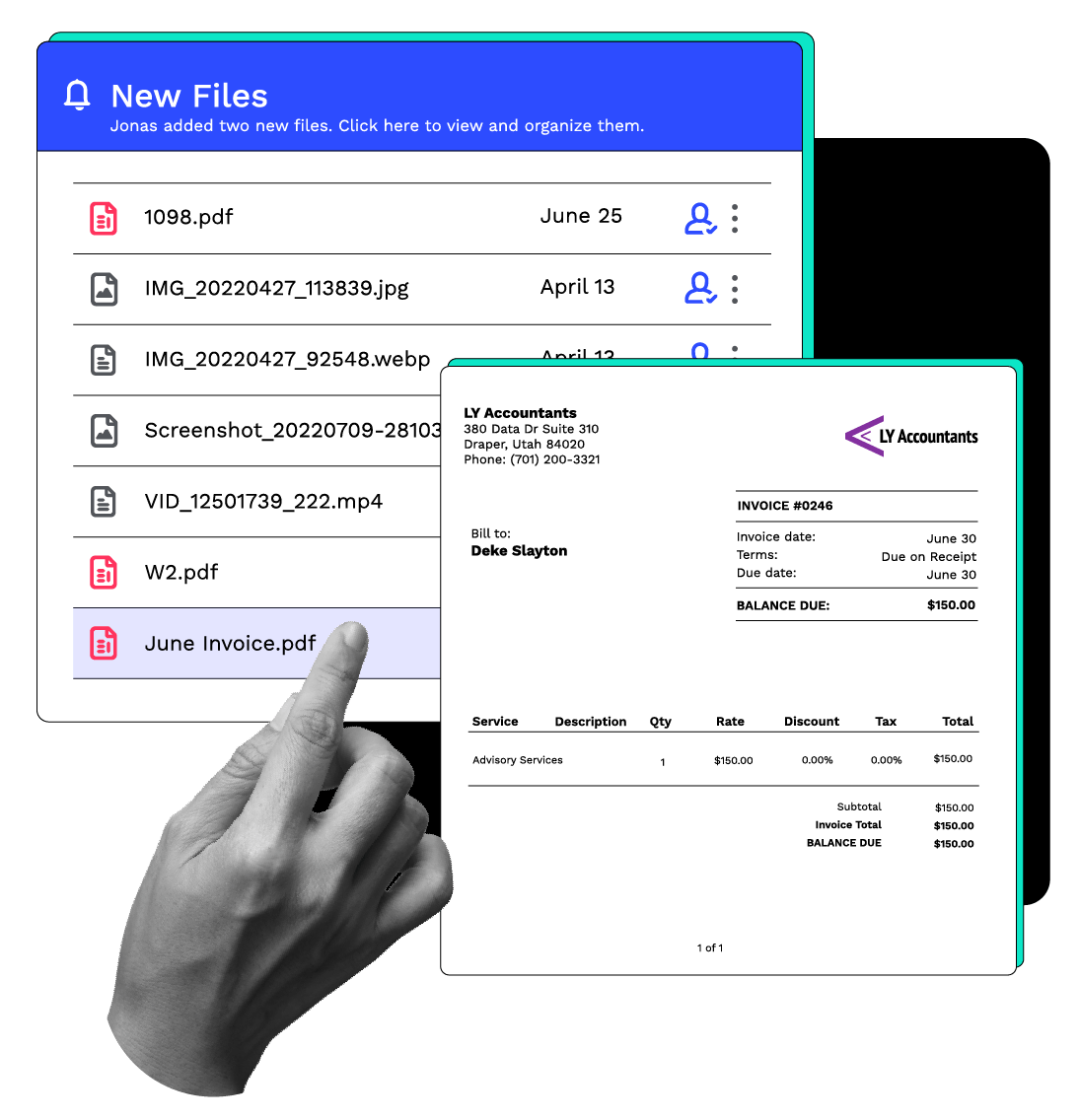
Storing files is only part of daily administrative work. Canopy includes built-in folder templates, in-app PDF editing, file annotations, internal @mentions, and unlimited file storage within its core platform. Financial Cents relies on integrations with Google Drive, OneDrive, or SmartVault to handle advanced file management workflows.
Financial Cents handles basic workflows well, it’s true. But advanced document editing, electronic signatures, and complex accounting tasks require separate third-party applications. While an entry-level tool keeps upfront software invoices low, the hidden costs of context-switching and maintaining multiple external subscriptions accumulate as client volume expands.
Smart documents that work
“One of the big things that we had a problem with prior to Canopy was document management. Whether a client sent in documents or emails to one person and they weren't the one actually preparing the tax return or they had an email conversation with a partner or a manager and that didn't get related to the tax preparer, there was always 'where was this document, who had it, was it over in this software, was it in their email thread?' With Canopy we always have that communication available. ”Scott Lowe | Langford, Laine & Smith
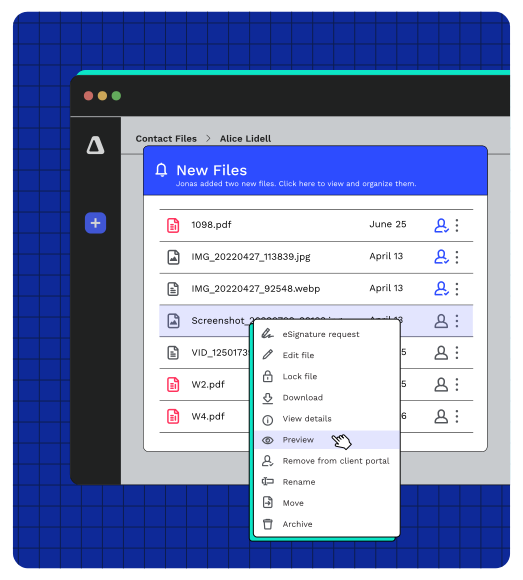
Client management made easy
“The simple, clean interface of the portal makes it easy for clients to sign firm records and send tax support documents, especially through the mobile application. This ease of use not only helps clients but also enhances my practice's professional and modern look.”Jason Powell | Solo Practitioner
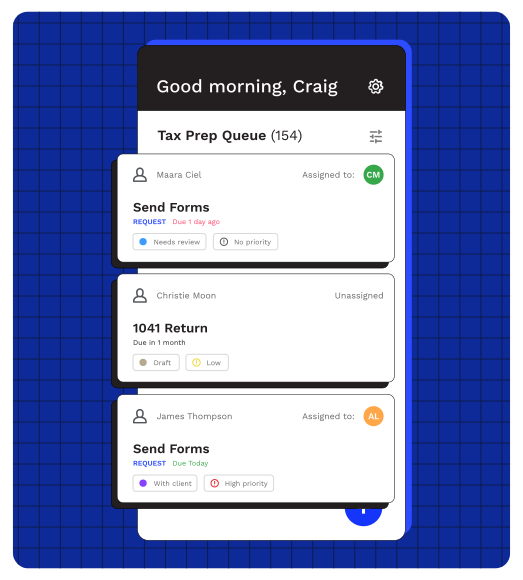
Need more reasons to pick Canopy?
Here’s are four high-quality ones.
Security
Canopy provides platform-level SOC 2 Type II compliance to independently audit end-to-end data safety across its entire system. Financial Cents holds SOC 2 Type I certification and relies on server-level infrastructure (AWS) for backend security.
Time & Billing
Canopy delivers native bulk invoicing, multi-entity group billing, WIP tracking, and direct payments without third-party accounting software. Financial Cents handles basic hourly billing natively but relies on a QuickBooks Online integration for complex accounting and invoicing.
Mobile App
Canopy offers native iOS and Android apps for staff (4.8★) and clients (4.9★) to scan documents, manage tasks, and pay invoices anywhere. Financial Cents provides no native mobile apps, requiring users to rely on mobile web browsers.
Document Management
Canopy features native unlimited storage, folder templates, in-app PDF editing, annotations, and secure share links. Financial Cents offers basic file attachments and requires third-party drives like Google Drive or OneDrive for advanced file management.
Want a full overview of Canopy?
What you need is a central hub for everything from proposals to payments to modern must-haves and innovations like AI and whatever else will make your firm’s work easier. Which is precisely what Canopy is. Watch this short video to see it in action.
Frequently Asked Questions
Can’t find the answer you are looking for? Reach out to our support team.
Canopy provides a comprehensive practice management solution under one roof. It does not require an integration to QuickBooks Online (QBO) to deliver time and billing functionality nor does it require other softwares like Dropbox to deliver file storage capabilities. Financial Cents provides simplistic value to its customers, but lacks a comprehensive offering of features that firms expect from a practice management solution. Additionally, Canopy offers more advanced features like Engagements and Proposals, Insights (advanced reporting and visualizations), Canopy Payments, and more, setting itself apart from Financial Cents and providing value for your customers from proposal to payment.