
TIME & BILLING SOFTWARE FOR ACCOUNTANTS
Time and Billing
Finally. A smart answer to “where did the time (and billing and payments) go?”
-
 Automating payments
-
Surfacing billing insights that show you what’s overdue, what’s working, and where to improve
-
Triggering alerts when AR passes your approved ceiling
“Canopy absolutely sped up payments and saved us money. Our savings this year are going to be very, very large—and that alone will pay for Canopy itself.”Shelly Lingor, CEO
Time is literally money.
Manage and track them both with Canopy.

Account for Your Firm's Efforts
Accounting for your time is just as important as accounting for your clients’ money. Record, designate, and analyze the time your staff spends on each client.

Get Paid Faster
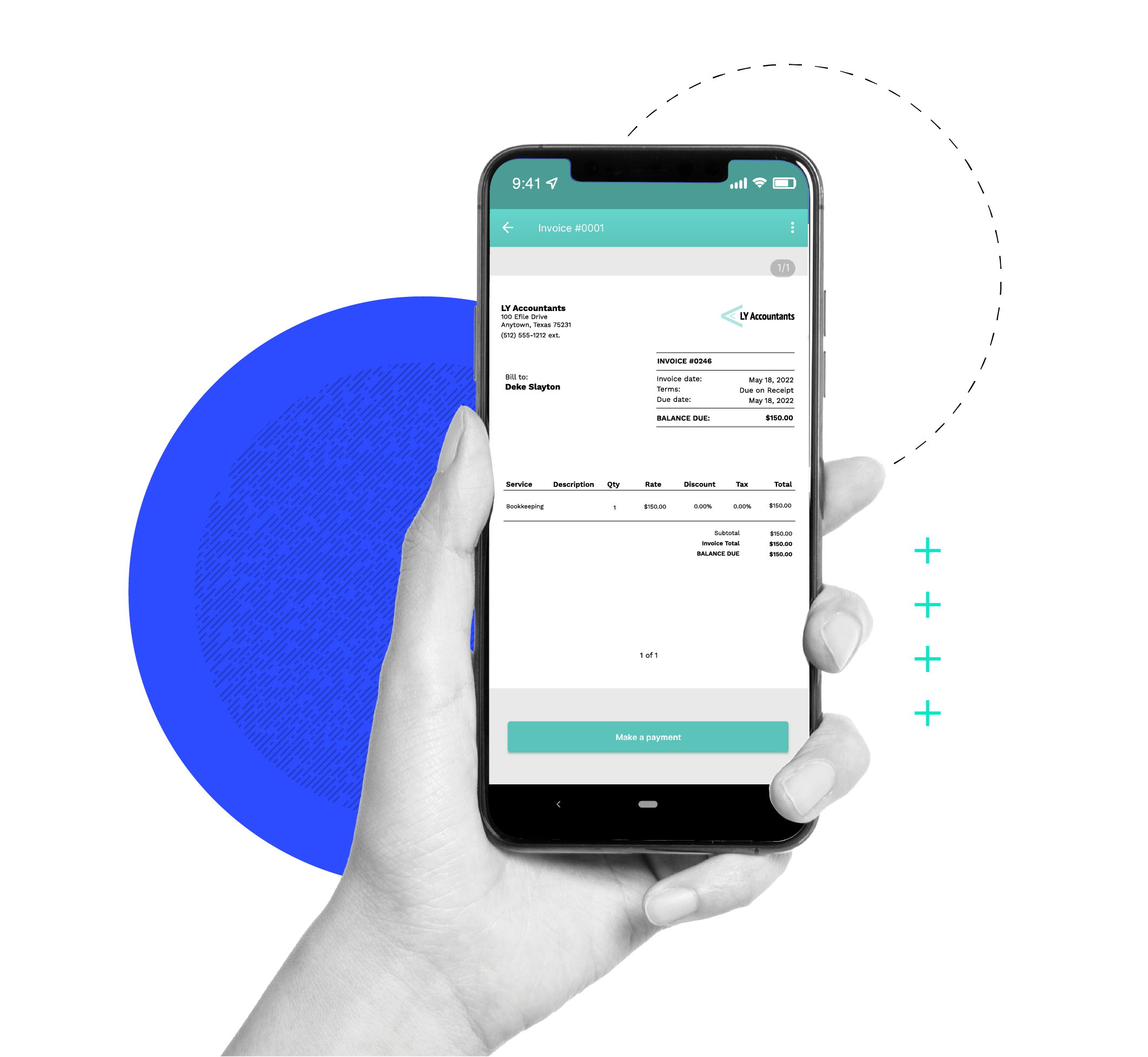
Make it easier on your clients and yourself by invoicing and processing payments in Canopy. Got past due invoices? Use automated invoice reminders.

Manage and Track Time
When you budget and track time spent on specific projects, you can use that data to make better business decisions.
BILLING
Manage All Your Billing in One Place
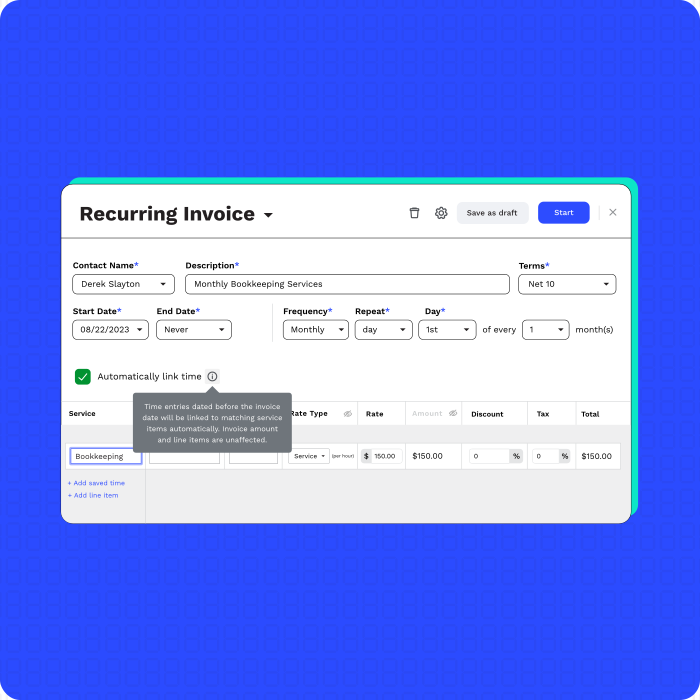
Streamline the way you bill with customizations, helpful reports, reminders, and by leveraging our QBO integration.
-
Generate and send invoices effortlessly
-
Track every billable minute with precision
-
Easily manage your WIP
TIME & EXPENSE MANAGEMENT
Account for Your Time and Expenses
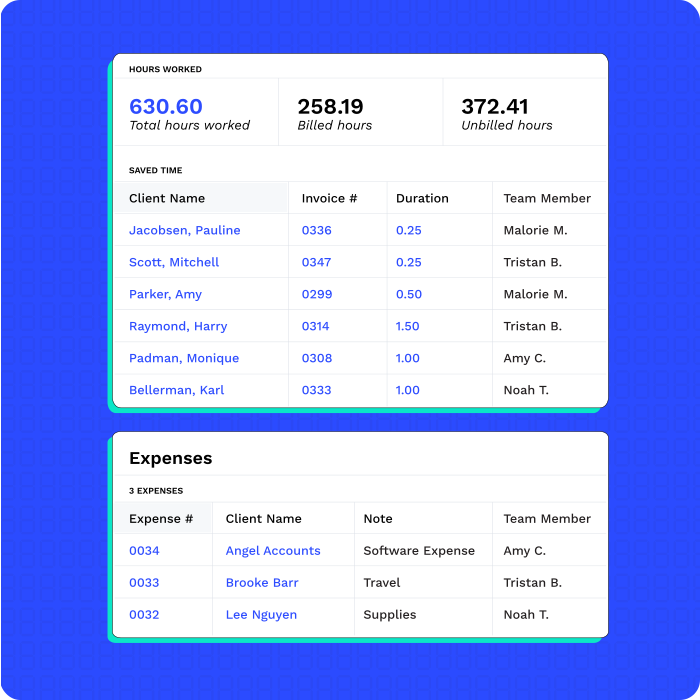
Track any time or expenses related to your clients and connect those to invoices.
-
Record time entries
-
Manage expenses
-
Leverage built-in timers

“[Canopy offers a] more streamlined payment collection process and better task/project management. We have saved hours upon hours of time with our team, our office manager alone has reduced the number of hours required to handle client payments by about 4-5 hours per month!”
INTEGRATED PAYMENTS
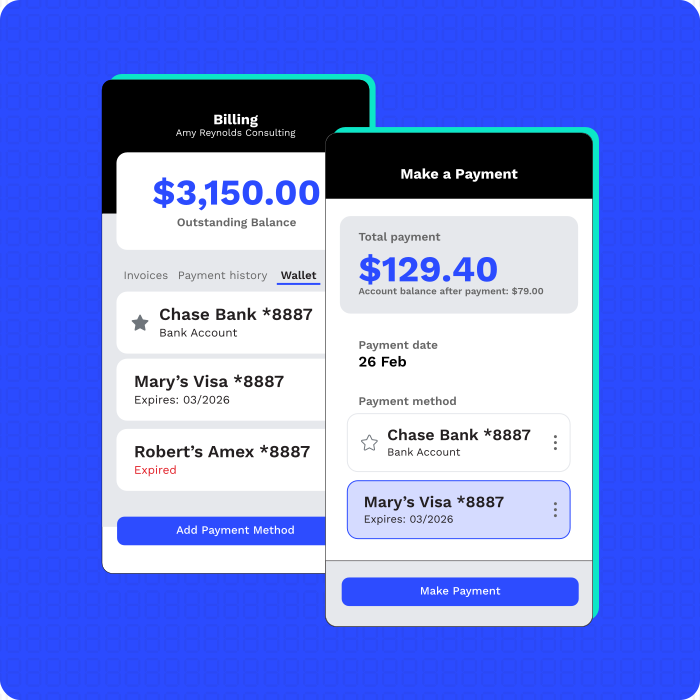
Get Paid Faster
You’ve done all the work, now it’s time to get paid. (Insert enthusiastic cheers here.)
-
Securely collect card payments and ACH bank transfers
-
Pass on credit card fees with surcharging
-
Leverage reports for reconciling
REPORTING & ANALYSIS
Keep a Pulse on the Health of Your Firm
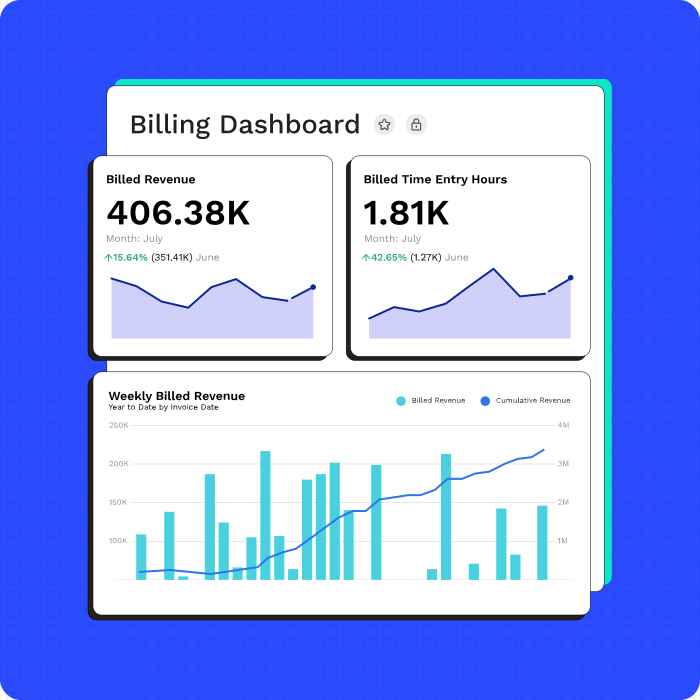
Utilize live data, easy-to-read visualizations, and the ability to save and share insights.
-
View time dashboards
-
Analyze capacity planning report
-
Manage WIP
Firms’ number one concern is likely profitability. Whether you bill hourly or not, you still need to know where all your time is going. Canopy provides visibility—with budgets and actuals—on tasks, and allows you to dive into how efficient each firm member is (or, gulp, isn’t). Track time however best suits you within the platform– timers, manual entry, on the task, on the subtask. Create custom service items that can be used in Engagements, but also set up user rates so everyone can bill appropriately. Save payment details to client profiles and require payment before work is ever done. Create recurring payment logic. Everything you need to get rid of accounts receivable. And, of course, access all of your (pre-built, by the way) favorite reports: profitability, realization, utilization, WIP, and more—all in Canopy.
“Canopy makes billing a set-it-and-forget-it situation. What used to take me 6 hours a month now takes 0.”Whitney Kisner, Director of Operations at Papin CPA
“TaxBee’s tax return processing time has decreased from a 14-day turnaround time to near immediate completion, allowing the firm to double its capacity, now processing 600+ tax returns annually.”TaxBee & Co. Case Study
Ready to get started?
Frequently Asked Questions
Can’t find the answer you are looking for? Reach out to our support team.
Even if you don’t bill hourly for accounting services, you should still track your time. Knowing where time goes = knowing what’s profitable. Track time your way in Canopy and make smarter decisions. Tracked time on tasks and subtasks can be used in our data analytics to help you see profitability by client and staff utilization. It can also help you see which of your service items are most profitable.