
What’s New
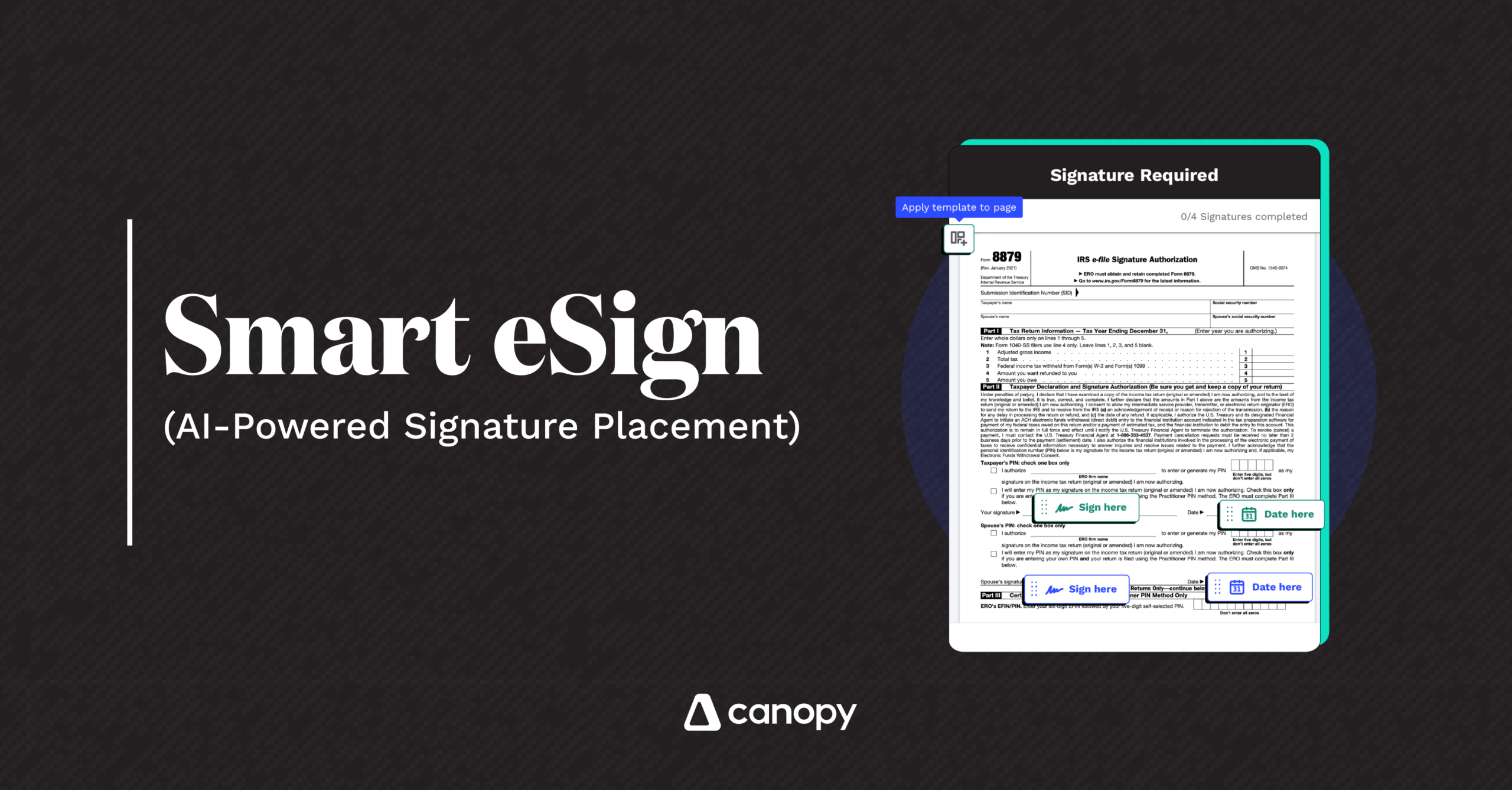
Smart eSign is here! Canopy now uses AI to automatically place signature, date, and text fields on formal documents—reducing the need to manually drag and drop fields every time. It intelligently identifies who signs where (client, spouse, practitioner), even across multipage forms.
Why It Matters
Manual eSign setup is a drag—literally. Practitioners spend far too much time preparing documents for signature. Smart eSign uses machine learning to eliminate repetitive clicks, reduce prep time, and prevent errors. It’s perfect for high-volume tax forms, engagement letters, and recurring templates.
Where to Find It
Smart eSign is available to all users with Document Management. When you upload a document for eSign, simply select “Place Fields with AI”—and let AI do the work.
Get Started
Reference these articles to get going. Multiple templates can now be used without any opt-in. Placing fields with AI is a toggle in the Experimental Features menu accessible to Admins.